Keel
Features
Dedicated meters like a Sekonic are great, but most of us reach for our phones. Over the years I've tried many light meter apps—either compromise or complexity turned me away. So I built the one I always wanted, focusing on accuracy, simplicity, and good design.
How it works. Keel meters by averaging the light across everything inside the framelines, taking extra exposures when highlights or shadows are out of reach. Watch the histogram and adjust accordingly.
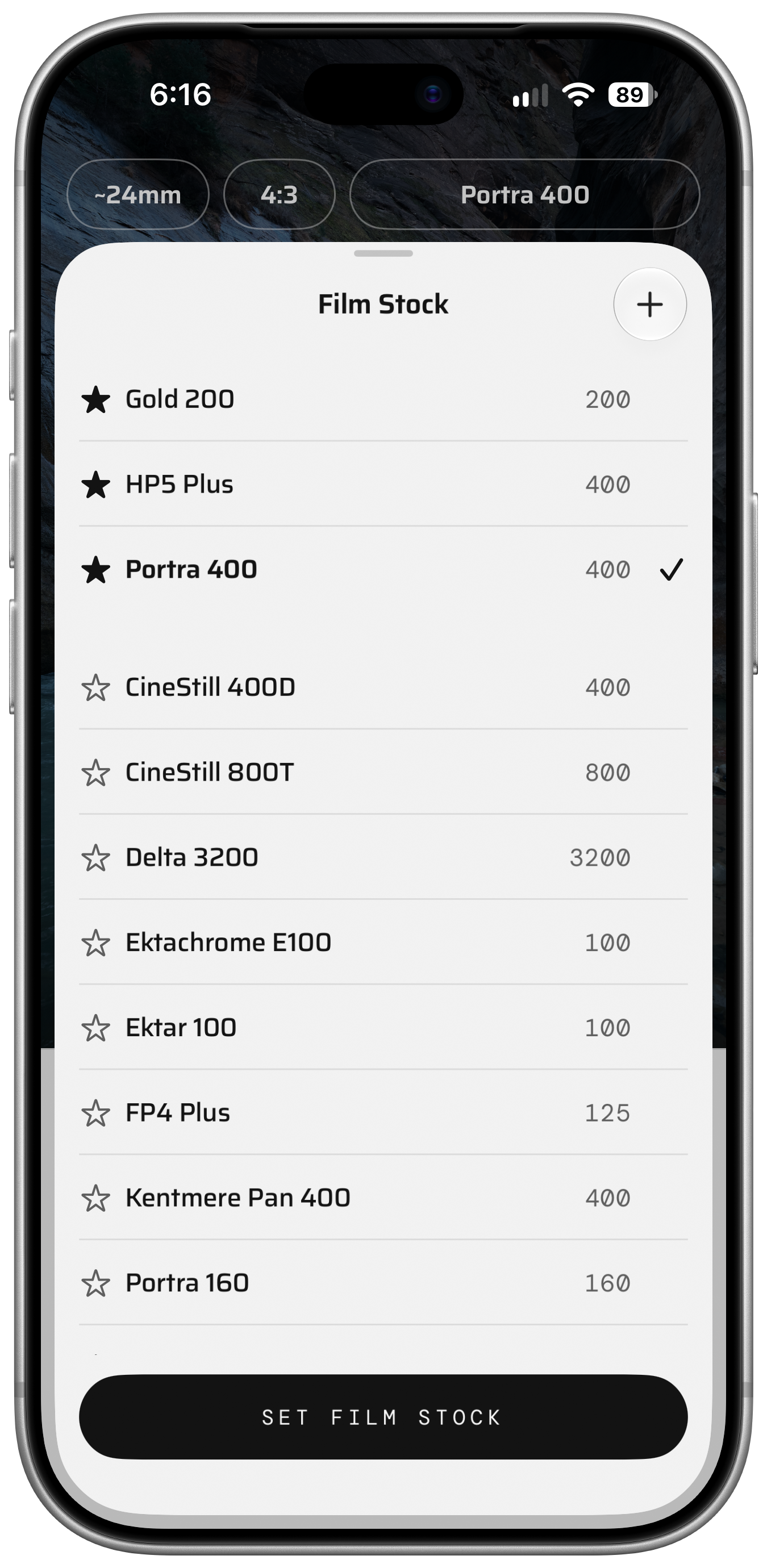
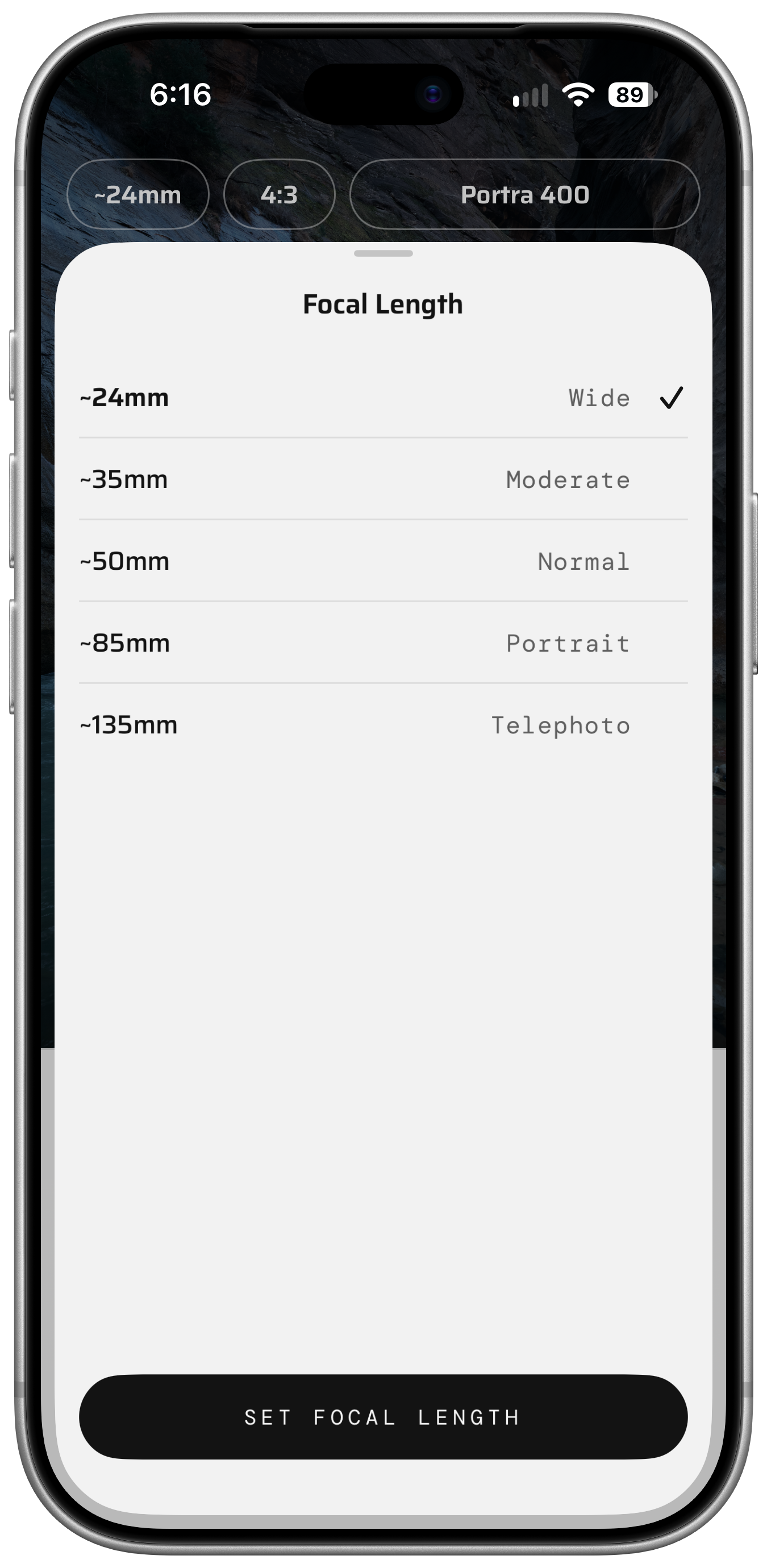
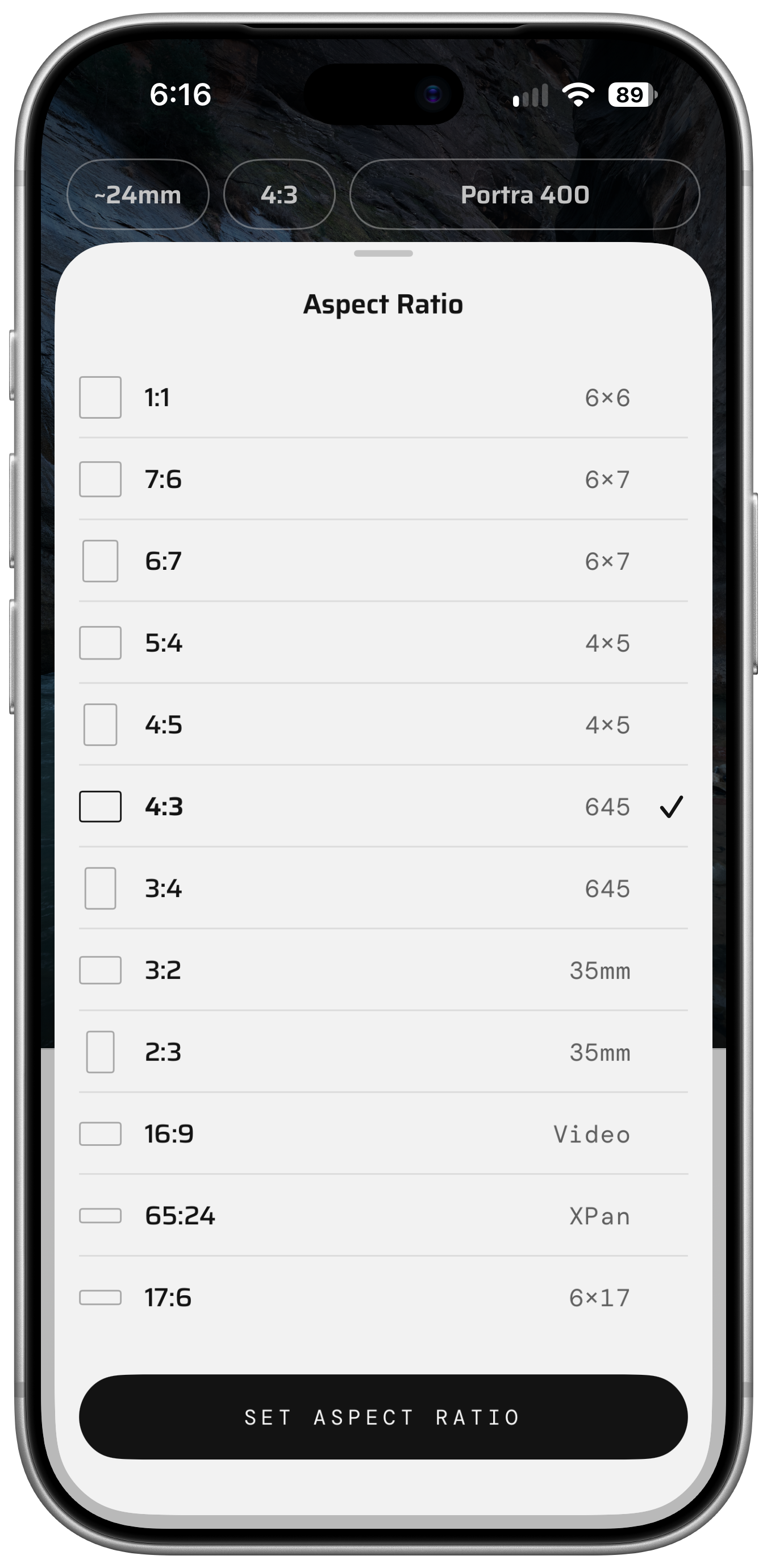
What you should know. Since Keel only meters inside the framelines, choose a focal length and aspect ratio that roughly match your camera so that Keel sees what your camera sees. The film stock sets the ISO, latitude, and reciprocity, so choose this first.

Histogram + compensation
See the light, then shape it
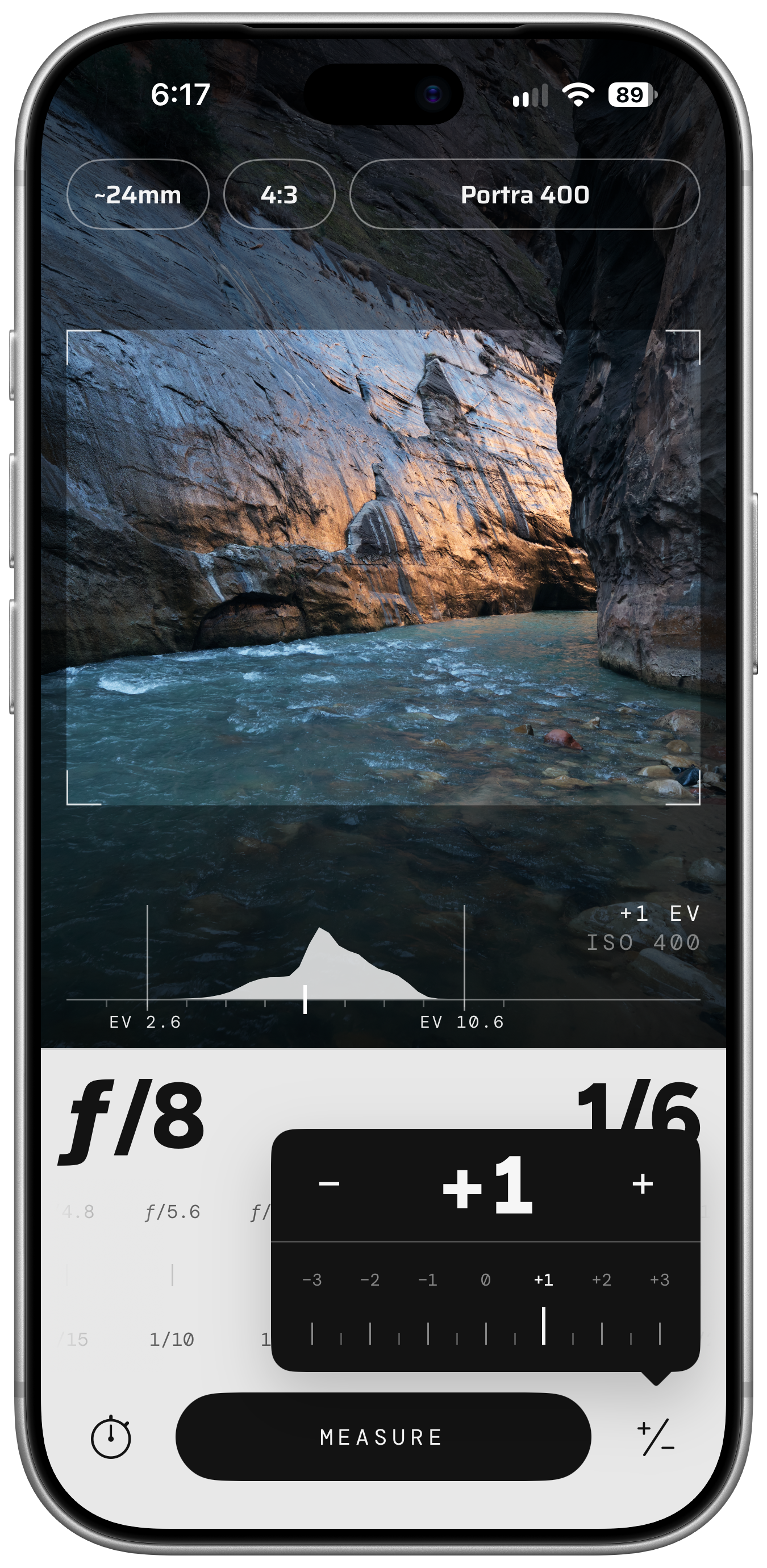
A live histogram shows the full range of the scene, from its darkest shadows to its brightest highlights, in EV. Want to hold detail in the shadows or protect the highlights? Dial in exposure compensation from −3 to +3 EV and Keel updates every reading to match.
Reciprocity failure
Reciprocity, handled
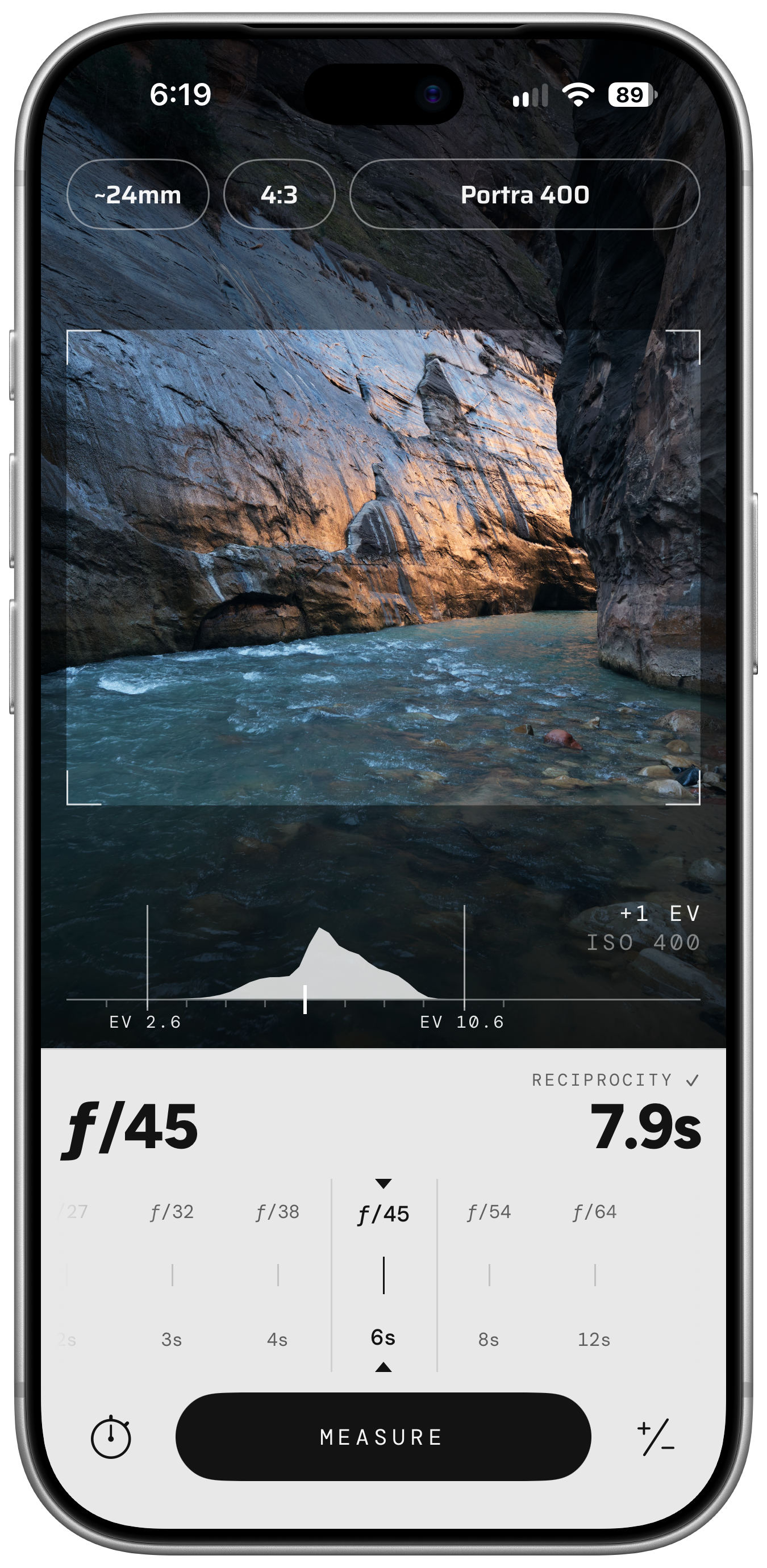
Film loses sensitivity on long exposures, so a 6 second reading can need closer to 8. Keel knows how your film stock behaves and corrects the time for you automatically. No need to do mental math or rely on a separate reciprocity chart.
Stopwatch
Built-in timer
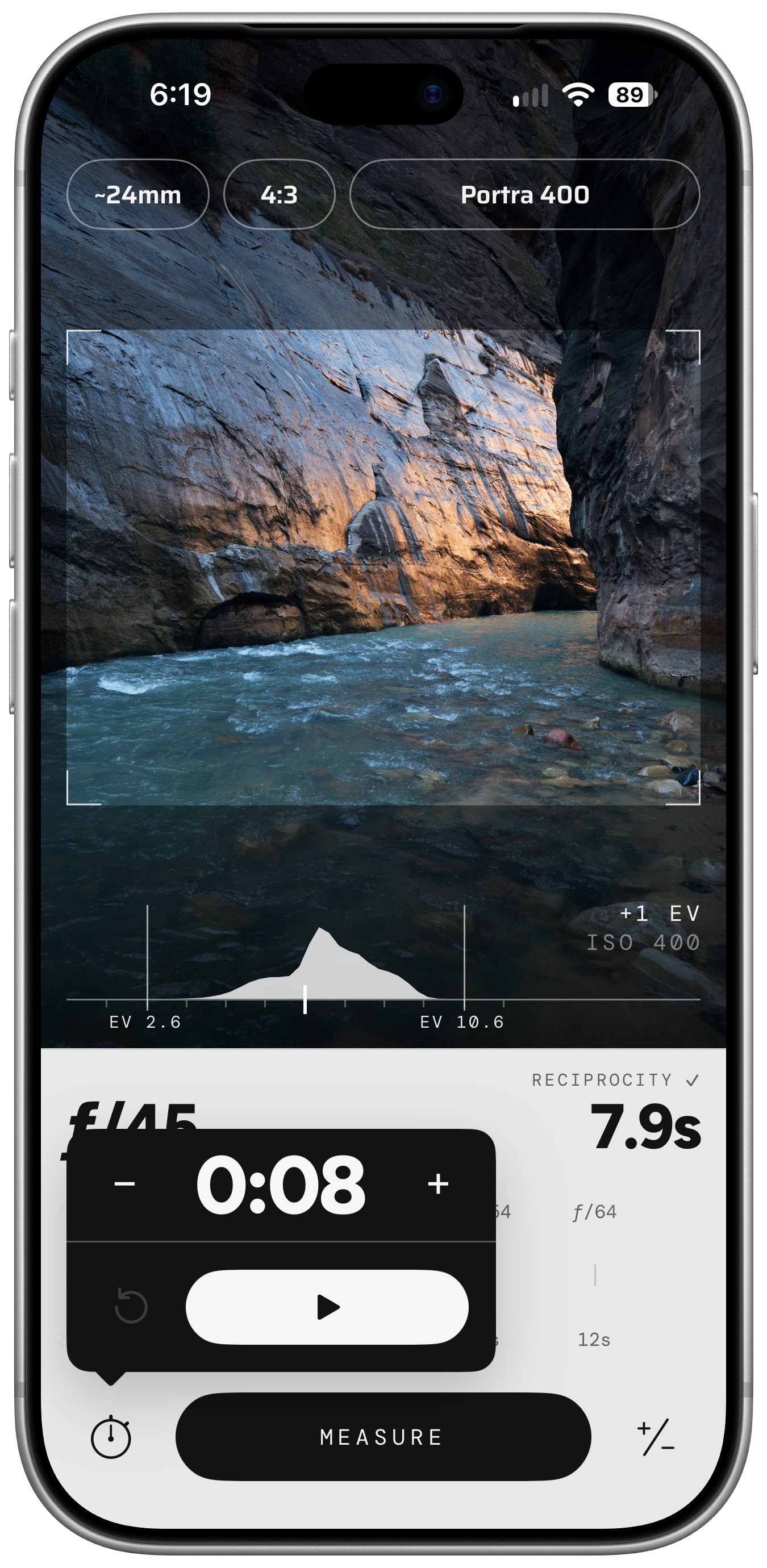
Long exposure? Keel works out the reciprocity-corrected time for your film, then counts it down for you. Tap the stopwatch, nudge the seconds if you need to, and press play. Keel beeps when it reaches zero, so feel free to put your phone back in your pocket.
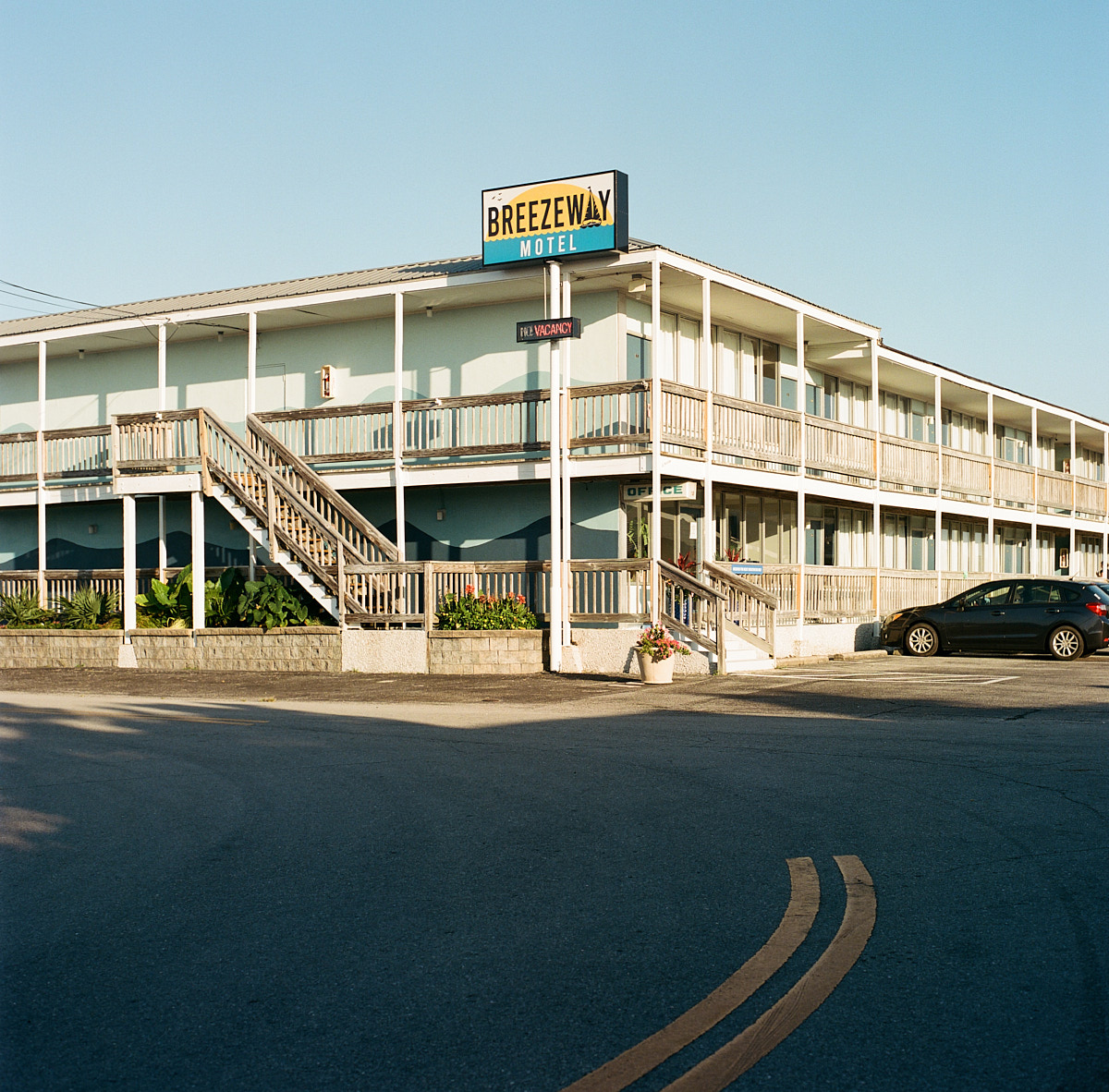
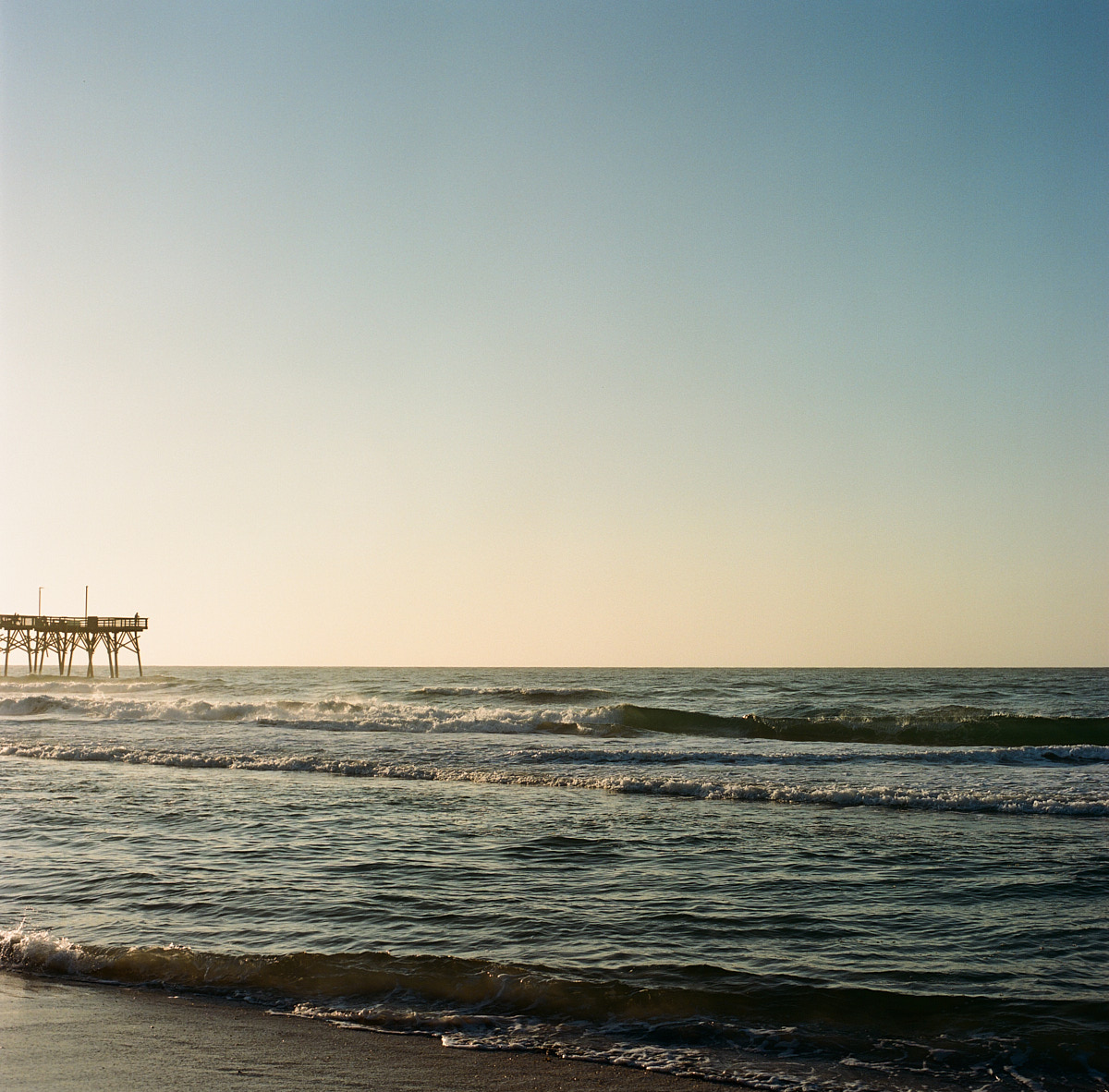
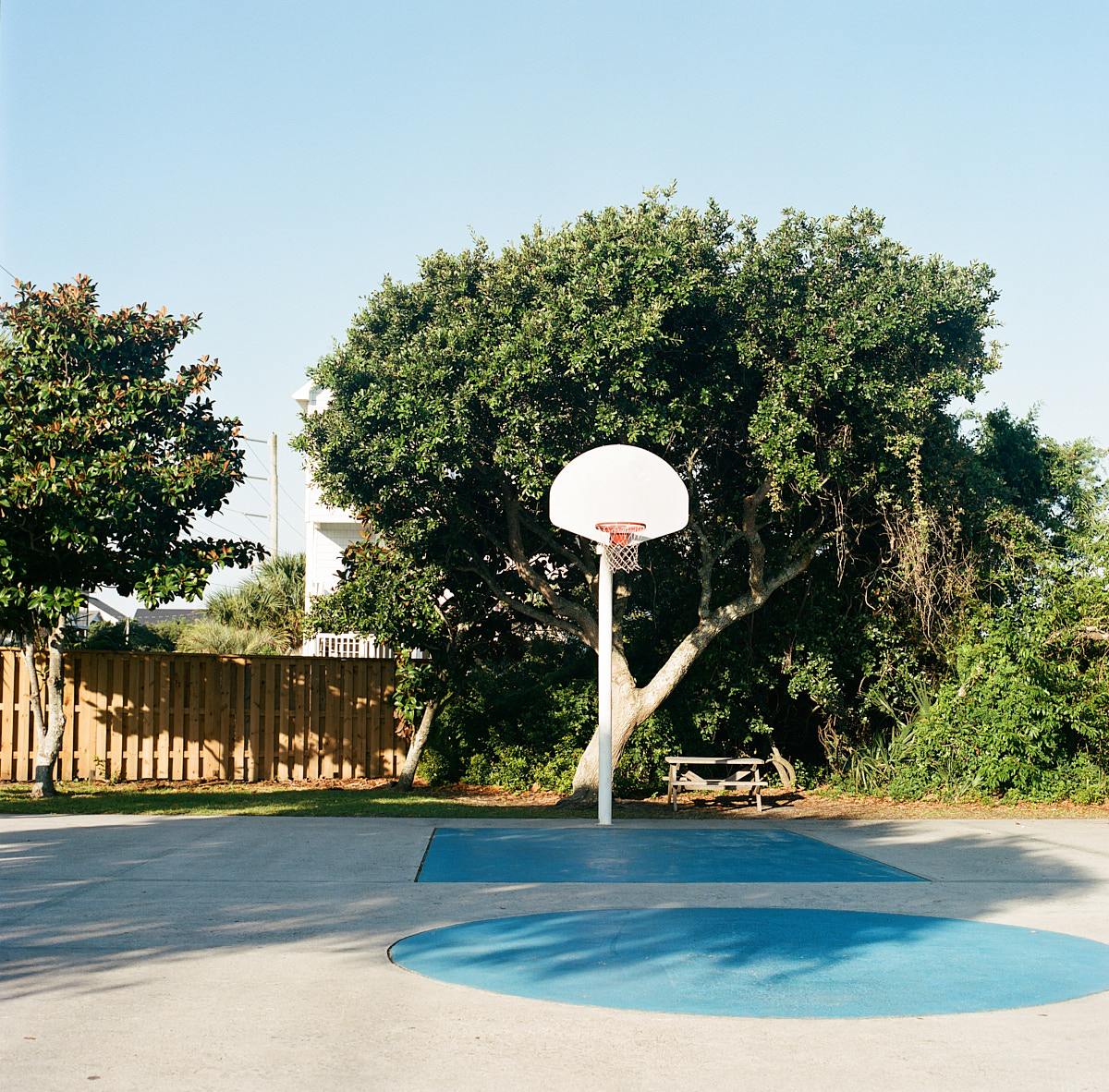
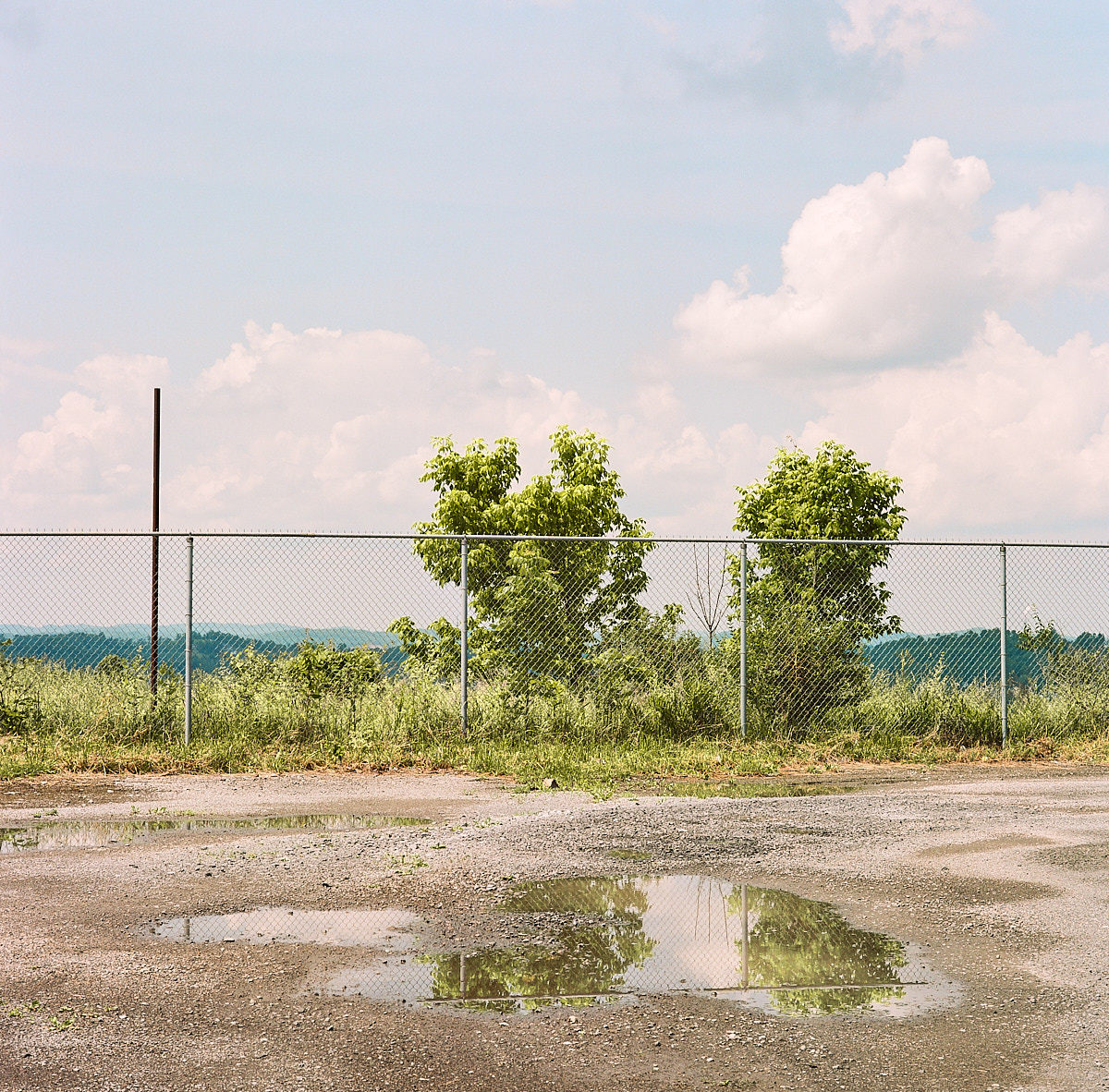
Metered with Keel